Mechanical CADD Training Institute in Hyderabad
Master Mechanical Design & Engineering Software with EduCADD Ameerpet
Build practical skills in mechanical drafting, 3D modeling, product design, simulation, and manufacturing concepts with industry-focused Mechanical CADD training.
At EduCADD Ameerpet, students learn with hands-on projects and real-time applications using leading engineering design software. Our training helps mechanical engineers, diploma students, and professionals develop job-ready CAD skills.
4.9/5 Google Rating
⭐⭐⭐⭐⭐
50k+ Students Trained
1000+ Batches Completed
Mechanical CADD Courses at EduCADD Ameerpet
Our Mechanical CADD training covers essential design, analysis, and project management tools used in the engineering industry.
Software Covered
AutoCAD Mechanical
Learn 2D drafting, engineering drawings, dimensions, annotations, and mechanical design documentation.
CATIA
Master advanced product design, part modeling, assembly design, and surface modeling.
SolidWorks
Create professional 3D models, assemblies, and manufacturing-ready designs.
Creo
Learn parametric modeling, product development, and engineering design workflows.
NX CAD
Understand advanced CAD modeling and industrial design practices.
ANSYS
Develop skills in engineering simulation, analysis, and design validation.
HyperMesh
Learn meshing techniques and pre-processing for CAE analysis.
GD&T
Understand Geometric Dimensioning and Tolerancing standards used in manufacturing.
Fusion 360
Explore cloud-based CAD modeling, simulation, and product development.
Revit MEP
Learn mechanical systems design and building services modeling.
Autodesk Inventor
Create 3D mechanical designs, assemblies, and production drawings.
Primavera
Learn project planning and scheduling concepts for engineering projects.
Microsoft Project
Understand project management, timelines, and resource planning.
Why Choose EduCADD Ameerpet for Mechanical CADD Training?
✓ Industry-experienced trainers
✓ Practical CAD assignments
✓ Real-time project exposure
✓ Updated software training
✓ Flexible batch timings
✓ Career-focused curriculum
✓ Beginner-friendly learning approach
Who Can Join Mechanical CADD Training?
Mechanical CADD training is suitable for:
✓ Mechanical Engineering Students
✓ Diploma Graduates
✓ Freshers
✓ CAD Beginners
✓ Design Engineers
✓ Working Professionals
✓ Manufacturing Industry Aspirants
Skills You Gain After Training
After completing the course, students can develop skills in:
✓ Mechanical Drafting
✓ 3D Product Modeling
✓ Assembly Design
✓ Engineering Drawings
✓ Simulation Basics
✓ Manufacturing Design
✓ Project Planning
Career Opportunities
Mechanical CADD skills help students prepare for roles such as:
✓ Mechanical CAD Designer
✓ Design Engineer
✓ Product Development Engineer
✓ CAD Draftsman
✓ Mechanical Design Associate
✓ Manufacturing Design Engineer
Frequently Asked Questions
1. What is Mechanical CADD training?
Mechanical CADD training teaches students how to create mechanical drawings, 3D models, assemblies, and product designs using computer-aided design software.
2. Who can join Mechanical CADD courses?
Mechanical engineering students, diploma holders, freshers, and working professionals who want to improve their design skills can join this course.
3. Which software is covered in Mechanical CADD training?
The course covers AutoCAD Mechanical, CATIA, SolidWorks, Creo, NX CAD, ANSYS, HyperMesh, Fusion 360, Revit MEP, Autodesk Inventor, Primavera, and Microsoft Project.
4. Do I need previous CAD knowledge to join?
No. The training starts from fundamentals and gradually moves to advanced design concepts.
5. Will I get practical project experience?
Yes. Students work on practical assignments and industry-based projects to understand real design workflows.
6. What career options are available after completing Mechanical CADD training?
After completion, students can apply for CAD Designer, Mechanical Design Engineer, Product Design Engineer, and other engineering design roles.
How you can find us??
- AutoCAD Training Institute in Ameerpet
- AutoCAD Course in Hyderabad
- Best AutoCAD Institute in Ameerpet Hyderabad
- AutoCAD Certification Course Hyderabad
- CATIA Training Institute in Ameerpet
- CATIA Course Hyderabad
- Best CATIA Institute in Hyderabad
- SolidWorks Training Institute Hyderabad
- SolidWorks Course in Ameerpet
- SolidWorks Mechanical Design Training
- Creo Training Institute in Ameerpet
- Creo Course Hyderabad
- NX CAD Training Institute Hyderabad
- Siemens NX CAD Course Ameerpet
- Best NX CAD Institute in Hyderabad
- ANSYS Training Institute Hyderabad
- ANSYS Course in Ameerpet
- Mechanical CAD Training Institute in Ameerpet
- Best CAD Institute in Hyderabad
- Job Oriented Mechanical Courses Hyderabad
Get free consultation and demo on above courses,
Call us/WhatsApp us: +91 8341223203/ 8639667845
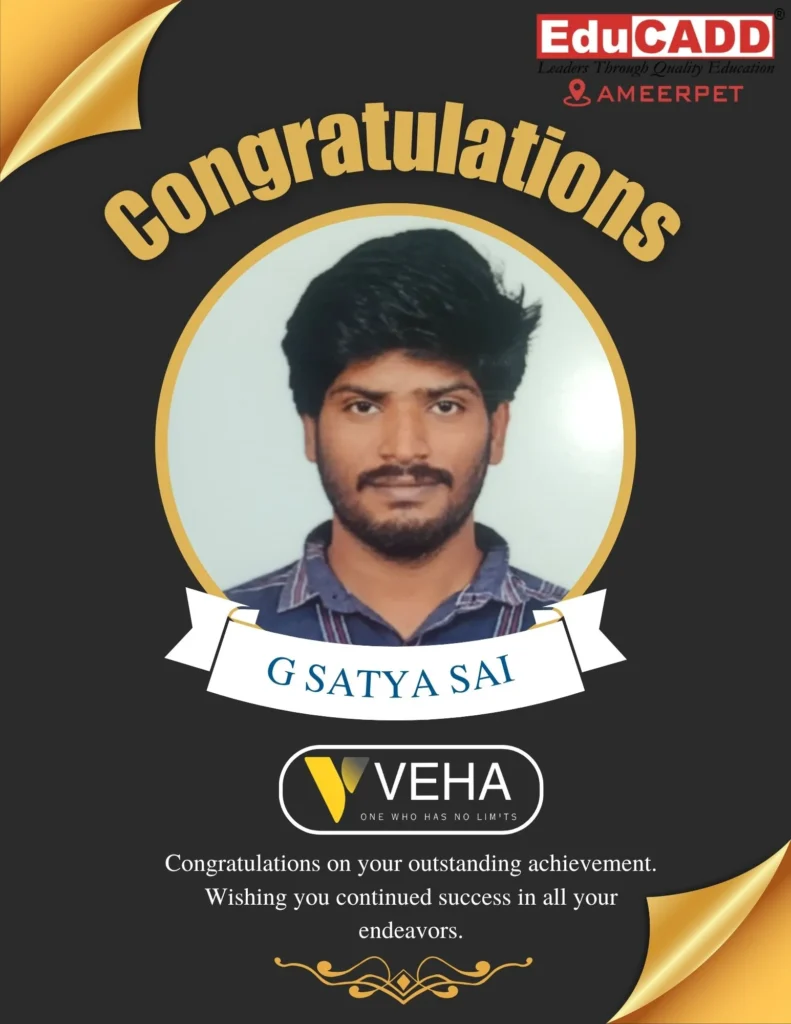
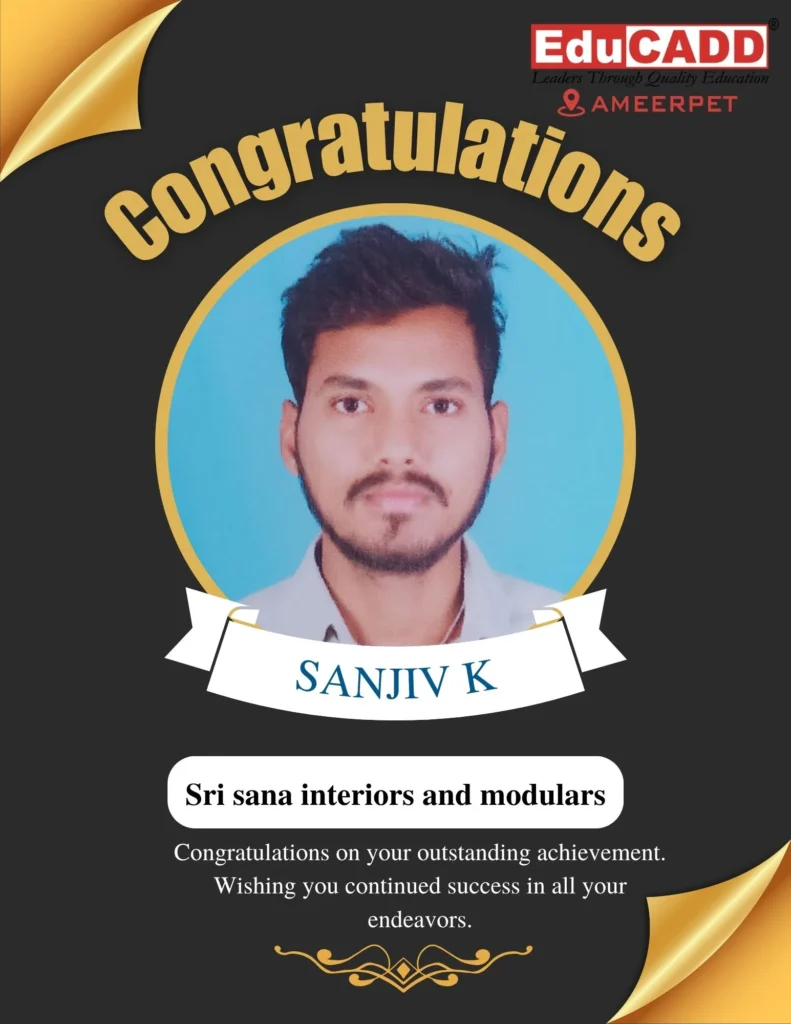
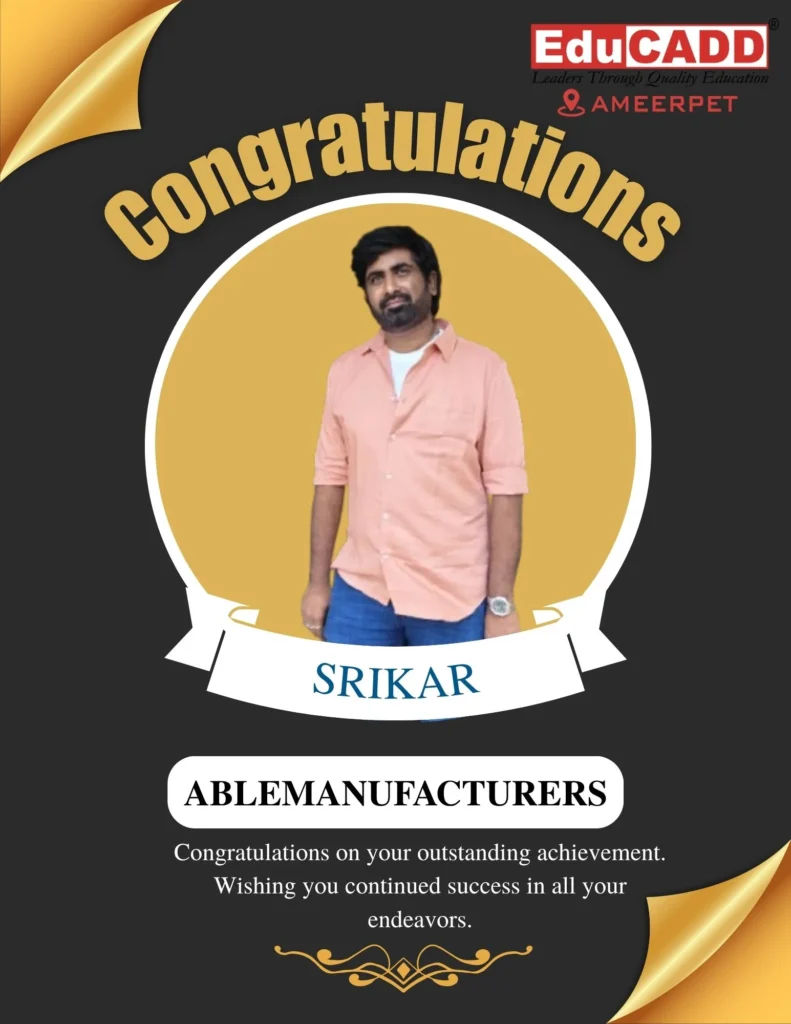
Our Placed Students












Student Testimonials


Divya Chinni
2 weeks ago

I have completed mechanical cad courses here, Autocad and catia. I have gained good knowledge in autocad and catia. I suggest, this is the best training centre in Hyderabad for Catia and autocad learners.

Koushik Kotakonda
3 weeks ago
This is best CATIA training institute. I have completed catia, solidworks autocad inthis institute. Learned good knowledge on the tools. I recommend this institute for all mechanical and civil engineers.

padala vishal goud
3 weeks ago
I have experienced the best teaching here and they made us to understand easily

MD AMANULLA
3 weeks ago
Thanks to #EDUCADD. I have taken auto cad and solidworks. I have received quality training from this institute. With in 3months we are capable of doing projects with this softwares as well.

Siva Shanker
3 weeks ago
Thanks you EDU CADD We learn solid works and AutoCAD Good teaching and explanation

Addanki Madhava...
3 weeks ago
Come here to get job

Sowjanya Setty
3 weeks ago
recently completed my AutoCAD course, and I gained a strong understanding of it."


nandam nagaharish
1 month ago
I have completed autocad course. I got good knowledge in autocad. This is the best autocad training institute in Ameerpet Hyderabad Thank you